
Shopify Quiz Apps: Which One Actually Fits Your Store?

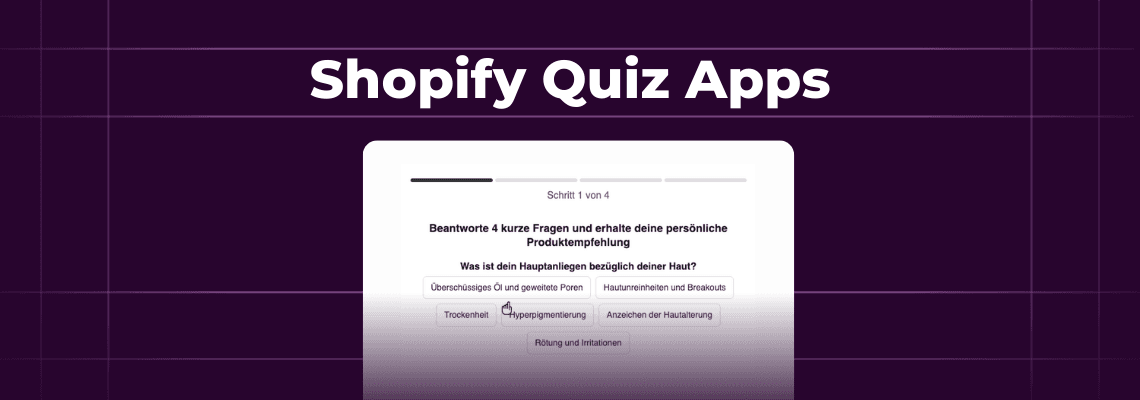
Shopify quiz apps help brands do three things: recommend the right products, capture emails, and learn what customers actually want. A shopper who answers five questions about their skin type or fitness goals is telling you exactly how to sell to them.
The challenge is picking the right tool. Some apps focus purely on product matching. Others prioritize lead capture or integrate deeply with Klaviyo. A few try to do everything. This guide breaks down 7 Shopify quiz apps across pricing, features, and best use cases - so you can find the one that fits your store without testing all of them.
Inside this page
Share this
Summarize with AI
Key Takeaways
Quiz completion rates drop with every additional question. Keep quizzes to 4-7 questions max and test whether each one actually improves recommendation accuracy.
Integration depth beats feature count. Make sure your quiz app syncs customer data to your ESP as profile properties, not just email addresses.
Free tiers work for validation, but response caps hit quickly. Budget for paid plans once you're ready for real traffic.
Match the app to your primary goal: product recommendations (Quiz Kit, Octane AI), lead generation (RevenueHunt), in-email engagement (Kinetic), or all-in-one customer marketing (Okendo).
Mobile experience makes or breaks quiz performance. Test on a phone before launching.
What Makes a Good Shopify Quiz App?
A good Shopify quiz app matches shoppers with products, captures emails, and syncs data with your marketing tools. Most apps handle matching and capture fine. Syncing is where they diverge.
Product Recommendation Logic
The recommendation engine determines how well your quiz actually matches products. Most apps use one of two approaches:
Tag-based matching connects quiz answers to product tags. If someone selects "dry skin," the quiz shows products tagged with "dry-skin." Simple to set up. Works well for stores under 100 products.
Weighted scoring assigns point values to each answer. Products accumulate scores based on multiple answers, and the highest-scoring items appear in results. More accurate for complex catalogs.
Some apps can also add AI-powered recommendations that analyze purchase history and product attributes. Sounds fancy. Usually it's basic machine learning on top of your catalog data.
Email and SMS Capture
Quiz completion rates matter less than capture rates. The best apps let you gate results behind email submission, offer partial results with "email for full recommendations," or skip the gate entirely for returning customers.
Integration depth varies. Some apps just collect emails. Others push subscriber data directly into Klaviyo, Mailchimp, or Attentive with custom properties attached. If you're running segmented flows, this can be a massive unlock.
7 Shopify Quiz Apps Compared
1. Quiz Kit
Best for: Mid-size stores wanting extensive customization
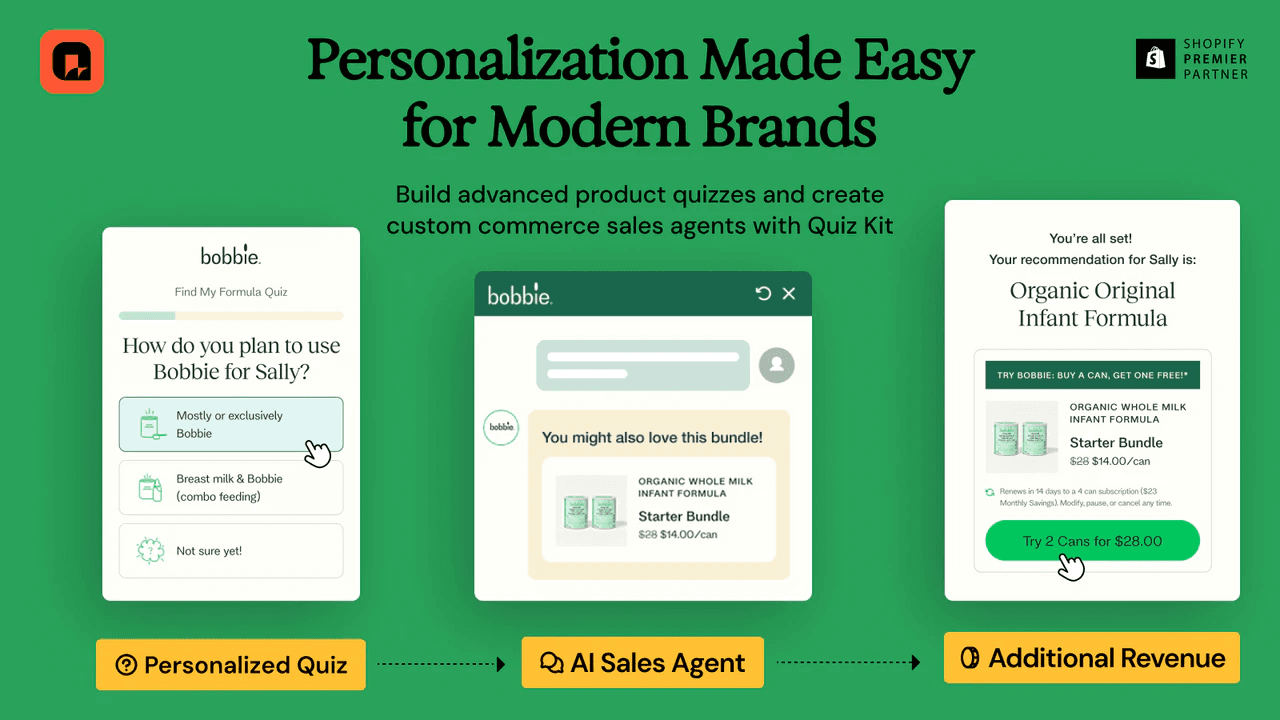
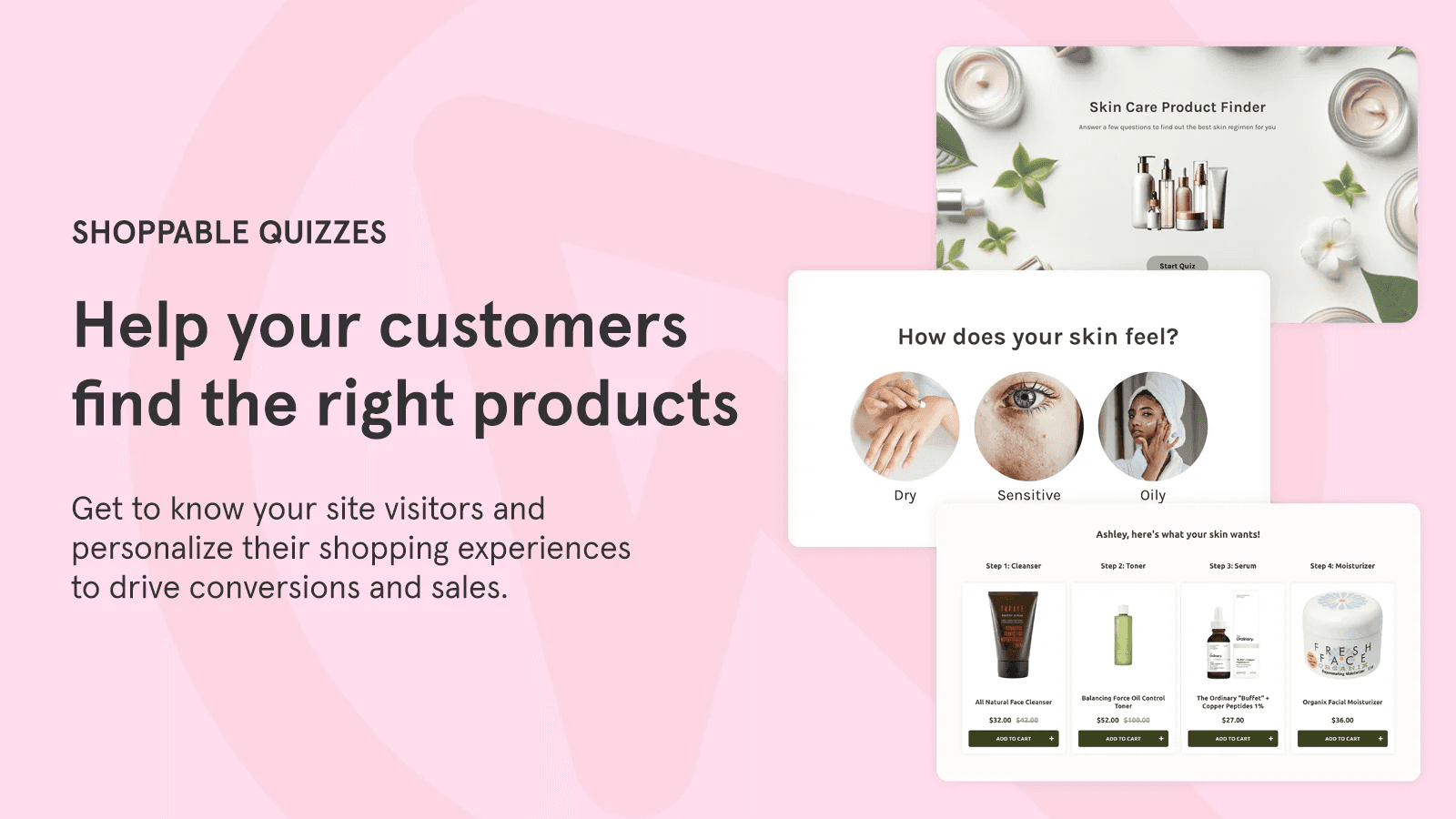
Quiz Kit is one of the more established players in the Shopify quiz space. The app focuses on product recommendation quizzes with both tag-based and weighted scoring options.
The visual builder includes conditional logic, so you can branch questions based on previous answers. This helps keep quizzes short when shoppers give answers that eliminate certain follow-up questions.
Klaviyo integration syncs quiz responses as profile properties. You can segment customers based on their answers and trigger flows when someone completes a quiz. The app also connects with Omnisend and Mailchimp.
Link: Quiz Kit on Shopify
2. Kinetic
Best for: Brands running quizzes across both their Shopify store and Klaviyo emails.
Kinetic embeds interactive (no redirect) quizzes, surveys, and product finders directly inside emails AND on your Shopify store. Subscribers answer questions without leaving their inbox, store visitors answer them inline, in pop-ups, or slide-ins, and responses from both surfaces sync to Klaviyo as custom profile properties.
One form can now run across email and your website without rebuilding it. A product finder quiz can live in your welcome flow and on your product page at the same time, with every response feeding into a single Kinetic analytics dashboard. Conditional logic routes different subscribers to different success pages or offers based on their answers, and product quizzes can recommend specific items from your Shopify catalog inside the email itself or on your Shopify store.
Kinetic works with any Shopify store for web embeds, and Klaviyo for interactive email forms. All responses become custom properties which can be used for segmentation and personalization flows.
Link: usekinetic.com
3. Octane AI
Best for: Enterprise stores with complex product catalogs
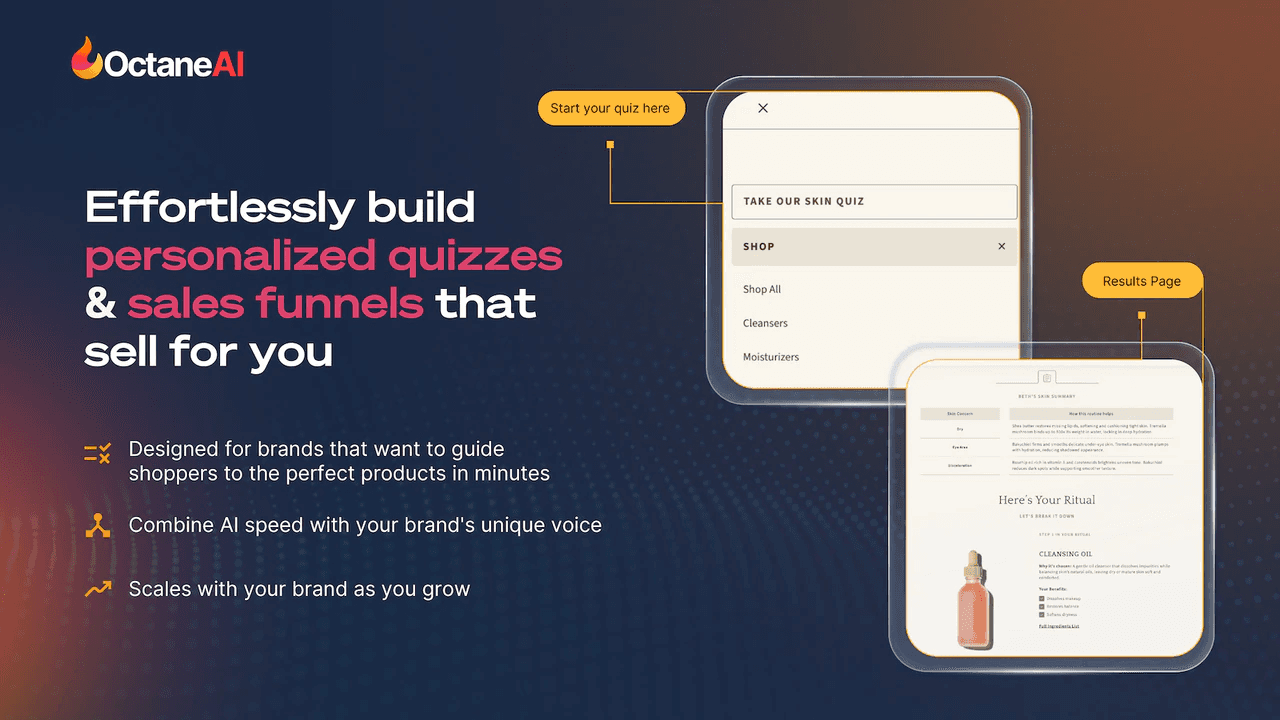
Octane AI is the enterprise option. The platform goes beyond basic quizzes to include conversational pop-ups, personalized product pages, and AI-powered recommendation engines.
The quiz builder supports deep conditional logic and can handle catalogs with thousands of SKUs. Recommendation accuracy improves over time as the system learns from conversion data.
Where Octane stands out is post-quiz personalization. Quiz takers see personalized product pages, emails, and SMS messages based on their responses. The data layer runs deep.
Downsides: The pricing jump from $50 to $200+ per month is steep. Small stores might not use most features. Implementation takes longer than simpler apps.
Link: Octane AI on Shopify
4. Lantern
Best for: New stores testing quizzes on a budget
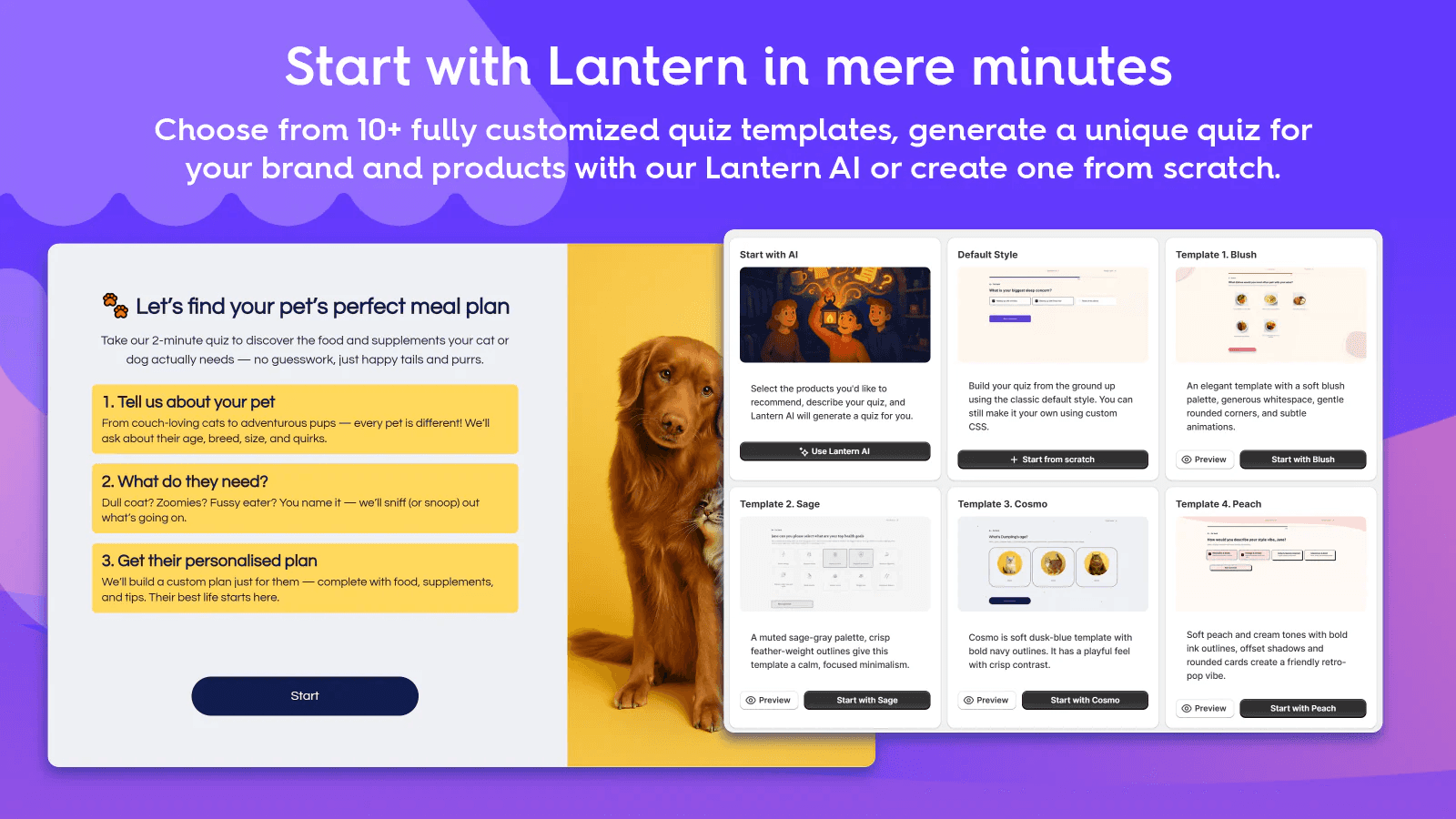
Lantern offers a free tier that lets stores launch basic quizzes without upfront investment. The free plan limits you to 20 quiz engagements per month, which is enough to validate whether quizzes work before committing to paid features.
The paid plans unlock unlimited engagements, advanced logic, and deeper integrations. Klaviyo, Mailchimp, and Google Analytics connections are included.
Quiz templates speed things up. Product recommendation quizzes, size finders, and gift guides come pre-built. You customize questions and products but skip starting from scratch.
Downsides: The free tier is limited. If you're testing with real traffic, 20 engagements goes fast. The jump to $39/month is reasonable, but you'll want to be ready for it.
Link: Lantern on Shopify
5. RevenueHunt (Shop Quiz)
Best for: Stores prioritizing lead generation alongside recommendations
RevenueHunt's Shop Quiz emphasizes the lead capture side of quizzes. Email collection gates, partial-results teases, and follow-up sequences are built into the core experience.
The recommendation engine uses both tagging and weighted scoring. You can mix approaches: use tags for quick setup, then refine with point values as you learn what converts.
Quiz analytics show where shoppers drop off, which answers lead to purchases, and which recommendations drive revenue. Good data for iteration.
Link: RevenueHunt on Shopify
6. Recomma
Best for: Simple stores wanting fast setup
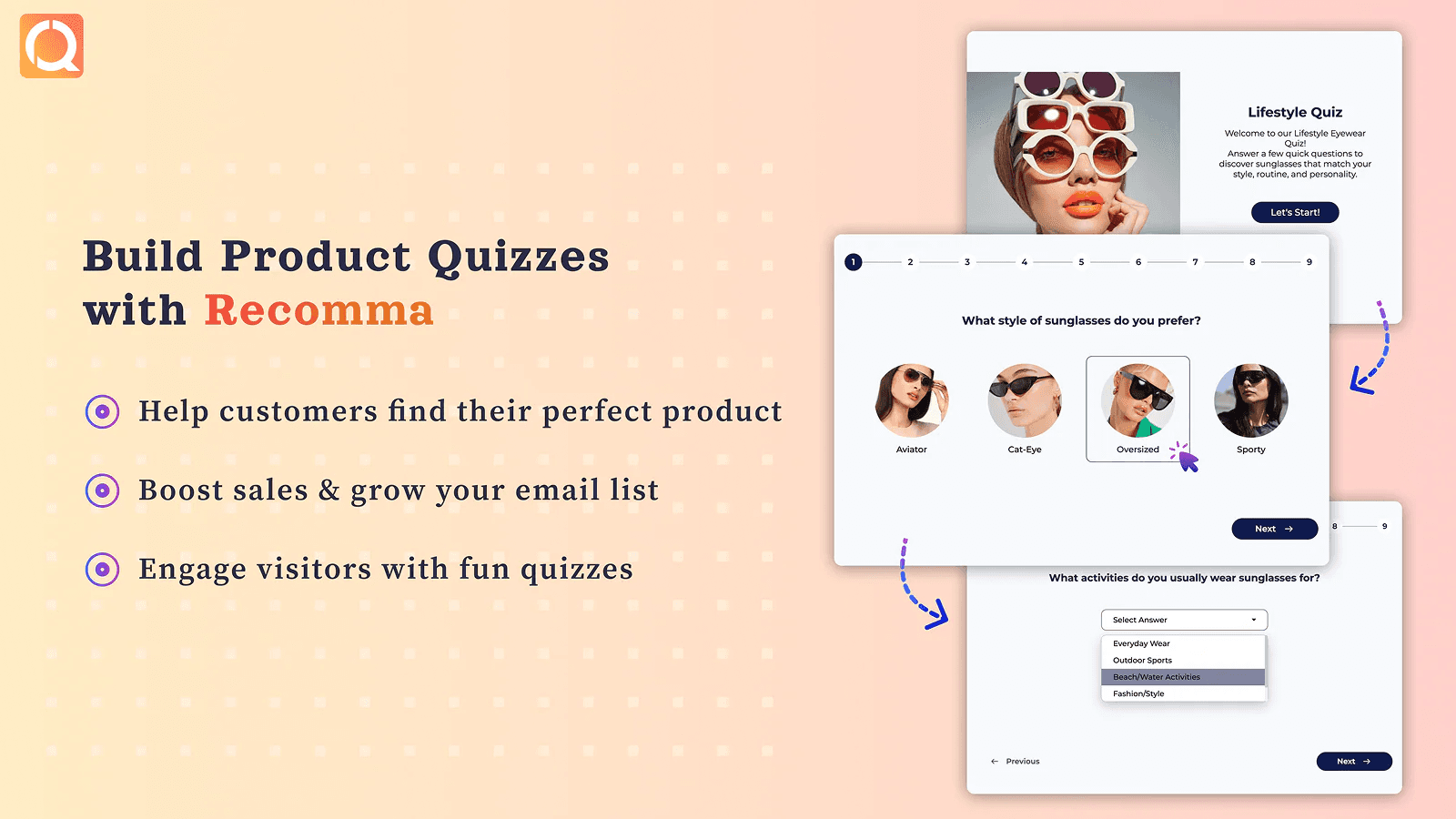
Recomma keeps things straightforward. The quiz builder focuses on product recommendations without the bells and whistles of enterprise platforms. Setup takes minutes.
The free plan includes basic quiz functionality. Paid tiers add customization options, integrations, and remove Recomma branding.
Link: Recomma on Shopify
7. Okendo
Best for: Stores that want quizzes bundled with reviews and loyalty
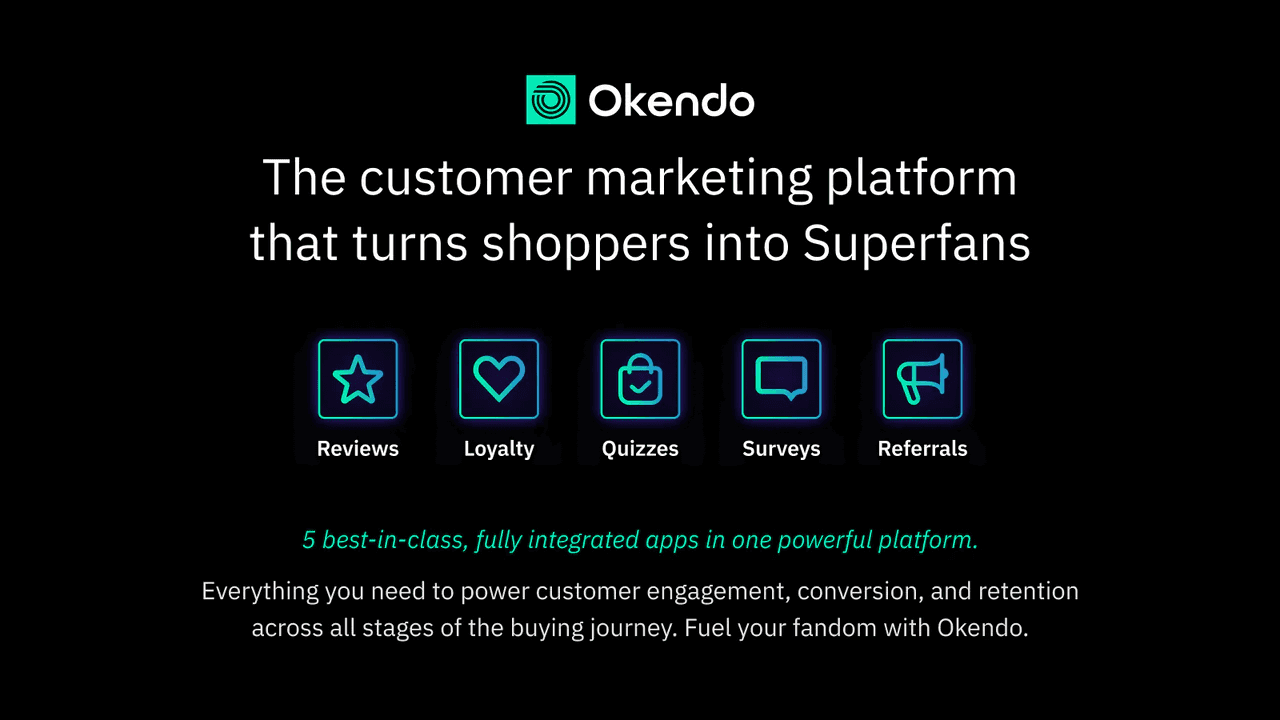
Okendo isn't purely a quiz app. It's a customer marketing platform that bundles reviews, loyalty programs, referrals, surveys, and quizzes into one system.
The quiz functionality lives within a larger system. If you're already using Okendo for reviews, adding quizzes means no new integration. Customer data flows between features on its own.
With 1,317 reviews, Okendo has the largest user base on this list. Most of those reviews focus on the reviews functionality, but the quiz features benefit from the same platform stability.
Downsides: If you only want quizzes, you're paying for features you won't use. The bundled approach works best for stores consolidating tools.
Link: Okendo on Shopify
How to Choose the Right Quiz App
Quiz apps overlap on features but they're built for different goals:
Product recommendations: Kinetic, Quiz Kit, Octane AI, RevenueHunt. These apps invest most in recommendation accuracy and catalog sync.
Lead generation: Kinetic, RevenueHunt, Lantern. Built-in email capture and follow-up come standard. Kinetic also captures zero-party data from existing subscribers, not just new visitors.
Quizzes everywhere your customers are: Kinetic. Most quiz apps live on a single landing page. Kinetic runs the same quiz inside emails AND embedded on your Shopify storefront, then syncs every answer back to Klaviyo as profile properties. Subscribers can answer without leaving their inbox; site visitors can answer without bouncing to a separate page. One tool can now cover all customer touchpoints.
All-in-one platform: Kinetic, Okendo. Best if you want quizzes as part of a broader customer marketing suite that spans email and on-site.
Consider Your Catalog Size
Stores under 50 products can use any app on this list. Tag-based matching works fine. Setup takes an afternoon.
Stores with 200+ products need weighted scoring or AI recommendations. Manual tag management becomes impractical. Budget for Octane AI or invest time in Quiz Kit's advanced logic.
Check Your ESP Integration
Klaviyo users have the most options. Every app here integrates, though depth varies. Some push basic contact data. Others sync custom properties, trigger flows, and update segments automatically.
If you're using Mailchimp, Omnisend, or another ESP, check integration status before choosing. Not every app supports every platform equally.
Common Quiz Mistakes to Avoid
Skipping the Data Plan
Building a quiz to recommend a product is a fine starting point. But if that's all you do with it, you're leaving most of the value on the table.
Every question you ask is a data point. Skin type, budget, goals, frequency, who they're shopping for — each answer is something you can store on a customer profile and use later. Zero-party data like this is worth more than almost anything else in your marketing stack, because the customer told you directly. No guessing, no inference.
Before you write a single question, decide what you want to know, but also why. Then make sure every question earns its spot. The question should just route someone to a product, but also give you data you can segment and personalize on. If a question does't do both, reassess if it is necessary to include.
For ideas on types of questions and what to do with the data once you've collected it, see our playbooks.
Too Many Questions
Every question costs you completions. 4-7 questions is the sweet spot. Go longer and you're losing shoppers who came to buy, not take a survey.
Test ruthlessly. If removing a question doesn't hurt recommendation quality, cut it.
No Follow-Up Sequence
Capturing emails without follow-up is pointless. Build a 2-3 email sequence that lands within 24 hours. Reference their quiz answers. Recommend specific products. Add a discount if conversions stall.
Ignoring Mobile Experience
Over 60% of Shopify traffic comes from phones. Test your quiz on mobile before launching. Check button sizes, load times, and image scaling. A quiz that works on desktop but breaks on mobile loses most of your traffic.
Conclusion
The right Shopify quiz app depends on your goals, budget, and existing stack. For straightforward product recommendations, Lantern or or Recomma get you started free. For complex catalogs, Octane AI or Quiz Kit have the depth. If you're heavy on email marketing through Klaviyo, in-email quizzes through Kinetic can boost completion rates by removing the click to your site entirely - or pair it with an on-site quiz to capture both new visitors and existing subscribers.
Start simple. Pick an app, build a quiz, measure results. Expand from there.
FAQs
What is the best quiz app for Shopify?
No single best exists - it depends on what you're optimizing for. For complex catalogs, Octane AI offers the deepest recommendation engine. For budget-conscious stores, Lantern and Recomma provide free starting tiers. For email-heavy strategies, Kinetic embeds quizzes directly inside emails. Most stores should try 1-2 apps before committing to a plan.
How do I create a product quiz on Shopify?
Install a quiz app from the Shopify App Store, connect it to your product catalog, and use the visual builder to create questions. Most apps offer templates for common quiz types like product recommendations, size finders, and gift guides. Map quiz answers to product tags or assign point values for weighted recommendations. Test the quiz on mobile before publishing.
Do product quizzes actually increase sales?
Yes, when implemented correctly. Product quizzes increase conversion rates by guiding shoppers to relevant products and reducing choice paralysis. They also capture zero-party data for email personalization. The impact varies by industry and implementation quality. Track completion rates, email capture rates, and conversion from quiz takers versus non-quiz takers to measure your specific results.
Can I add a quiz to my Klaviyo emails?
Traditional quiz apps require clicking to your website, but Kinetic embeds quizzes directly inside Klaviyo emails. Subscribers answer questions without leaving their inbox, and responses sync automatically to Klaviyo profile properties. This removes friction and typically increases response rates compared to link-based quizzes.
How many questions should a Shopify quiz have?
Keep quizzes to 4-7 questions. Completion rates drop significantly after 7 questions. Each question should directly improve product recommendations. If a question doesn't change which products you show, remove it. Test shorter versions to find the minimum viable quiz length for your store.